Create Free Geometric SVG Patterns.
Mix shapes, adjust colors, spacing, symmetry, and pattern settings, then download your FREE SVG vector for personal or commercial use.
More generators coming soon
We’re building a full suite of creative tools to fuel your ideas.
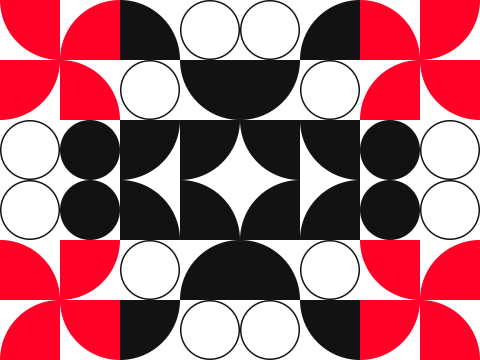
Start With Simple Shapes. Build Something Unexpected.
Use Modulart Canvas to create customizable geometric SVG patterns for website backgrounds, branding, packaging, social graphics, presentations, print materials, and more.
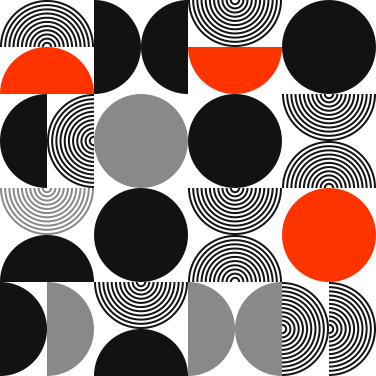
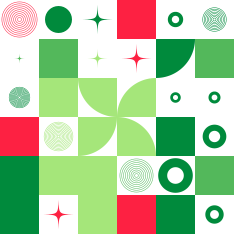
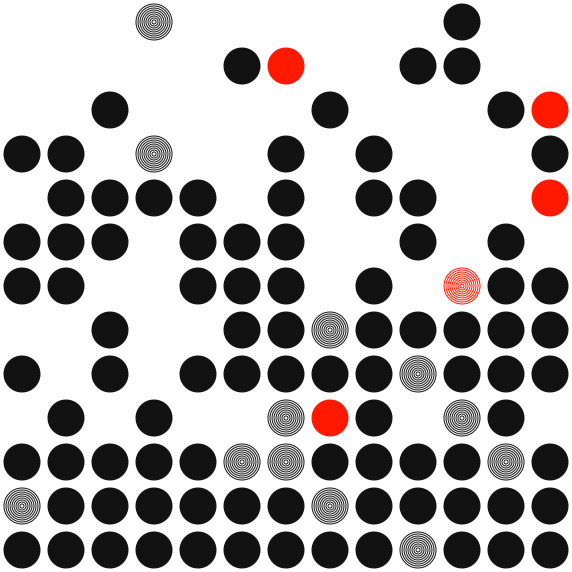
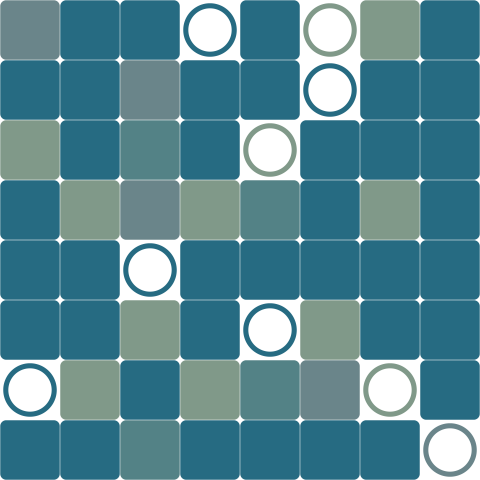
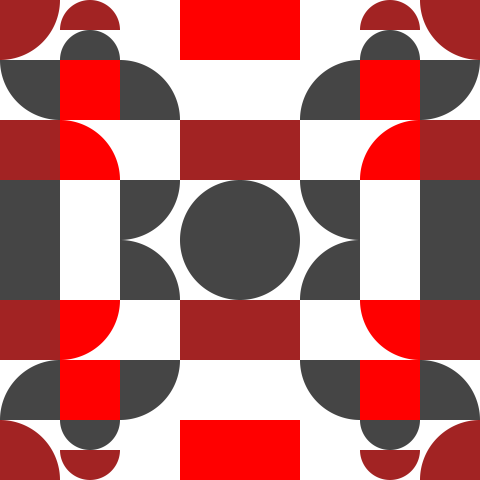
Create a Repeatable SVG Pattern in Three Steps.
Build, refine, and export a customizable geometric pattern directly in your browser.
Mix Your Shapes
Choose from squares, circles, half circles, quarter circles, rounded forms, accents, and compound stamps. Adjust each shape’s mix to control how often it appears.
Adjust the Pattern
Change the grid, colors, spacing, shape size, symmetry, repetition, concentric effects, blank space, and gravity until the pattern feels right.
Download Your Free SVG
Export a clean, scalable SVG file that can be edited, resized, recolored, reproduced, and used for personal or commercial projects.
Control the Structure. Keep the Surprise.
Modulart Canvas combines precise pattern controls with weighted randomness, giving you enough structure to design intentionally without making every result feel predictable.
Weighted Shape Mixing
Control how frequently each shape appears instead of relying on a fixed repeating tile.
Flexible Grid Controls
Change the number of rows and columns, tile size, spacing, and overall pattern proportions.
Custom Color Mixing
Build a four-color palette and adjust how frequently light, mid, dark, and accent colors appear.
Shape-Level Adjustments
Control size, variation, direction, color source, inversion, rounding, holes, pinch, and grouped forms.
Symmetry and Repetition
Use mirror modes and repeat blocks to create more deliberate, structured pattern systems.
Blanks and Gravity
Introduce negative space and direct visible shapes toward the center, edges, top, bottom, left, or right.
Concentric Effects
Create nested rings and line-based forms with adjustable counts, stroke sizes, and taper direction.
One-Click Regeneration
Keep your settings and generate new variations until you find a pattern worth downloading.
Design. Download. Use.
Every design downloads as a clean SVG file with a transparent background. Use your generated pattern as-is or continue editing it in your preferred vector design software.
Editable SVG Vector
Open and modify your SVG in Illustrator, Affinity Designer, Inkscape, or another vector editor.
Unlimited Scaling
Resize the artwork for a small icon, a website section, a printed package, or a large-format display.
Transparent Backgrounds
The preview color helps you design, but the downloaded SVG remains ready for placement over other backgrounds.
Free to Use
Generated SVG files may be used, modified, reproduced, and distributed for personal or commercial purposes.